

Nomini Login: How to Sign In to Your Account
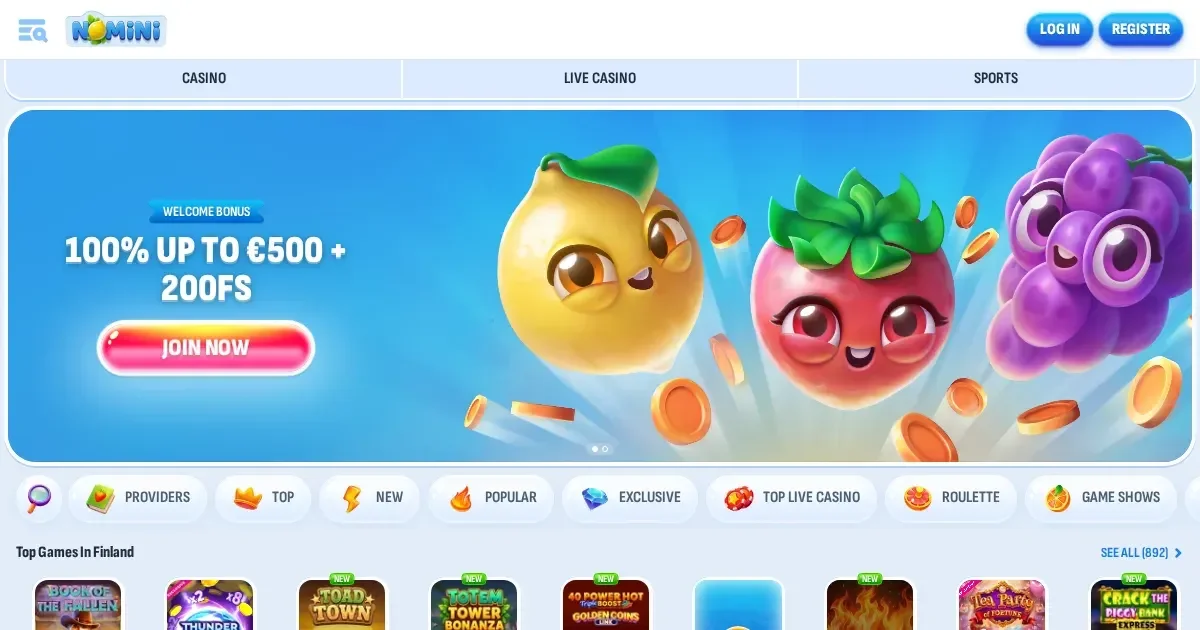
















Your Nomini account lives at the operator's own site, and only the operator can restore, unblock or verify it. This page explains the sign-in route, what to do when access fails, and where to get help.
Signing in, step by step
- Open the operator's site in your browser.
- Find the sign-in button and click it.
- Enter the email address you used at registration.
- Enter your password.
- Confirm and you're in.
No account yet? Registration happens at the operator's site too.
What signing in looks like on a phone
The operator's site works in any mobile browser. You use the same account and the same password as on desktop—nothing changes except the screen size. Sign in through Safari, Chrome or whatever browser you prefer, and the full site opens.
What to do when it fails
A refused login usually comes down to one of these causes:
- Wrong credentials. Double-check the email address you registered with, not a different one. Check the password character by character.
- Caps Lock is on. Passwords are case-sensitive; turn it off and try again.
- Unverified account. The operator may ask for identity documents before first access. Check your inbox for a verification request.
- Browser session problem. Clear your cache and cookies, or try a different browser.
- Self-exclusion in force. If you set a cooling-off period or closed the account yourself, access is blocked until it expires. Contact support if you need help.
Forgotten passwords
The operator sends a reset link to the email address on the account. Click "Forgot password" on the sign-in screen, enter your email, and check your inbox. The link usually arrives within minutes. If the email you used at registration is no longer reachable, contact the operator's support team—they'll verify your identity and update the address.
Why an account gets blocked
Access can be restricted for several reasons. The table below shows the common ones and what happens in each case.
| Cause | What happens |
|---|---|
| Verification pending | Access is held until identity documents are uploaded and approved. The operator emails instructions. |
| Inactive account fee | If the account is not logged into for 180 days, a 5 EUR administration fee is charged each month. |
| Self-exclusion | The account is closed for the period you chose. No workaround exists, and that's by design. |
| Regional restriction | The operator does not accept players from certain jurisdictions. If yours is excluded, access is blocked. |
Who to contact
Account problems go to the operator's support team, never to this portal. Nomini offers Live Chat (available 24/7) and Email ([email protected]). Before writing, have ready: the email address on the account, when the problem started, and the exact message shown on screen. That way the first reply can actually help.
Keeping access safe
Sign in only on the operator's own address—typed into the browser or saved as a bookmark. Never follow a link in an email or a message that claims to be from the operator; phishing sites look identical until it's too late. Use a password you haven't used anywhere else, and sign out when you're done on a shared device. If the operator offers two-factor sign-in, turn it on—it's the single best protection there is.
Nomini is for players aged 18 and over (18+). If gambling stops being fun, free and confidential support is available at BeGambleAware.org or by calling the National Gambling Helpline on 0808 8020 133 (24/7, free).
Access to this site is restricted to persons aged 18 and over (18+). We want your play to stay enjoyable—for free, confidential support, visit BeGambleAware.org.
Last updated:
Frequently asked questions
How do I sign in to my Nomini account?
Open the operator's site in your browser, click the sign-in button, and enter the email address and password you used at registration. The process is identical on desktop and mobile.
What should I do if I've forgotten my password?
Click "Forgot password" on the sign-in screen and enter your email address. The operator will send a reset link to your inbox. If your registration email is no longer accessible, contact support to verify your identity and update it.
Why is my account blocked?
Common causes include pending identity verification, self-exclusion, regional restrictions, or an inactive account fee. Check your inbox for verification requests from the operator, or contact support for details.
Can I sign in from my phone?
Yes. The operator's site works in any mobile browser. Use the same email and password as on desktop—nothing changes except the screen size.
Game Providers